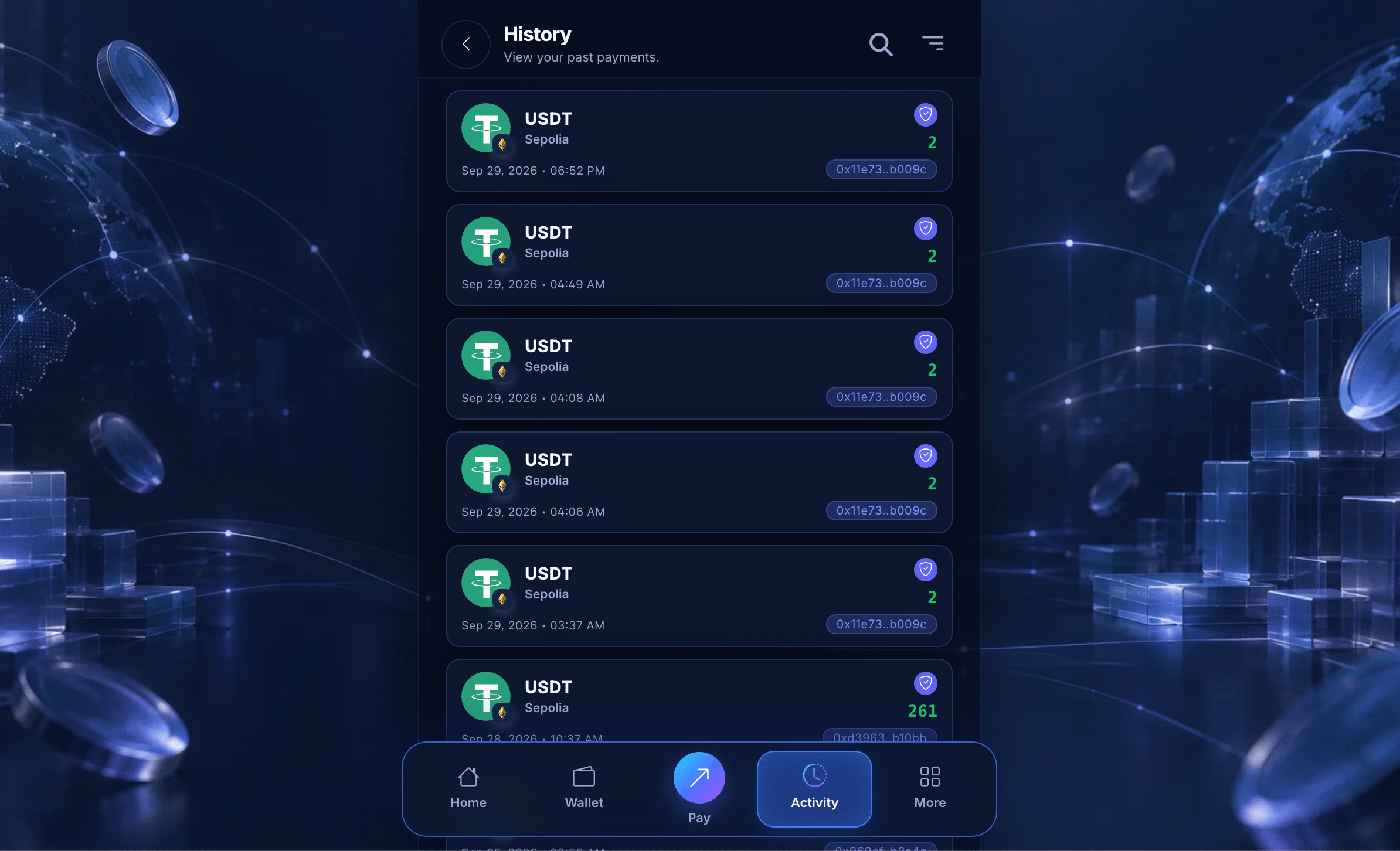
History is the authenticated Activity destination. It presents recent payments as receipt cards and loads older activity as you scroll.
UniFi payment history showing recent USDT payments and the Activity navigation item

History lists recent payments and provides direct access to search and filters.
Each card identifies the stablecoin, network, amount, payment date, status, and shortened account address. Select a card to inspect the complete receipt.
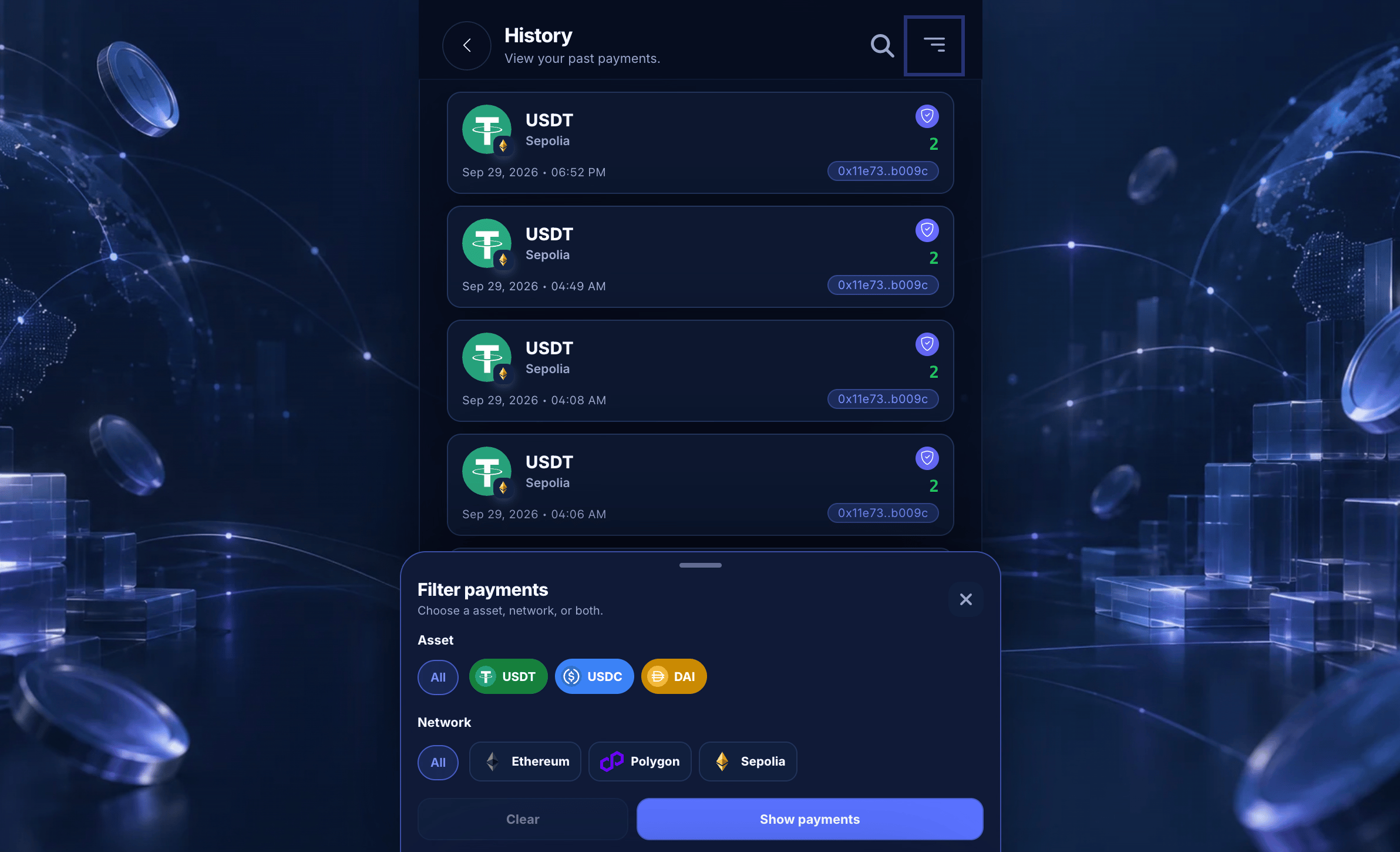
UniFi payment history with the asset and network filter panel open

Open the filter panel to narrow payment history by asset, network, or both.

Find a payment

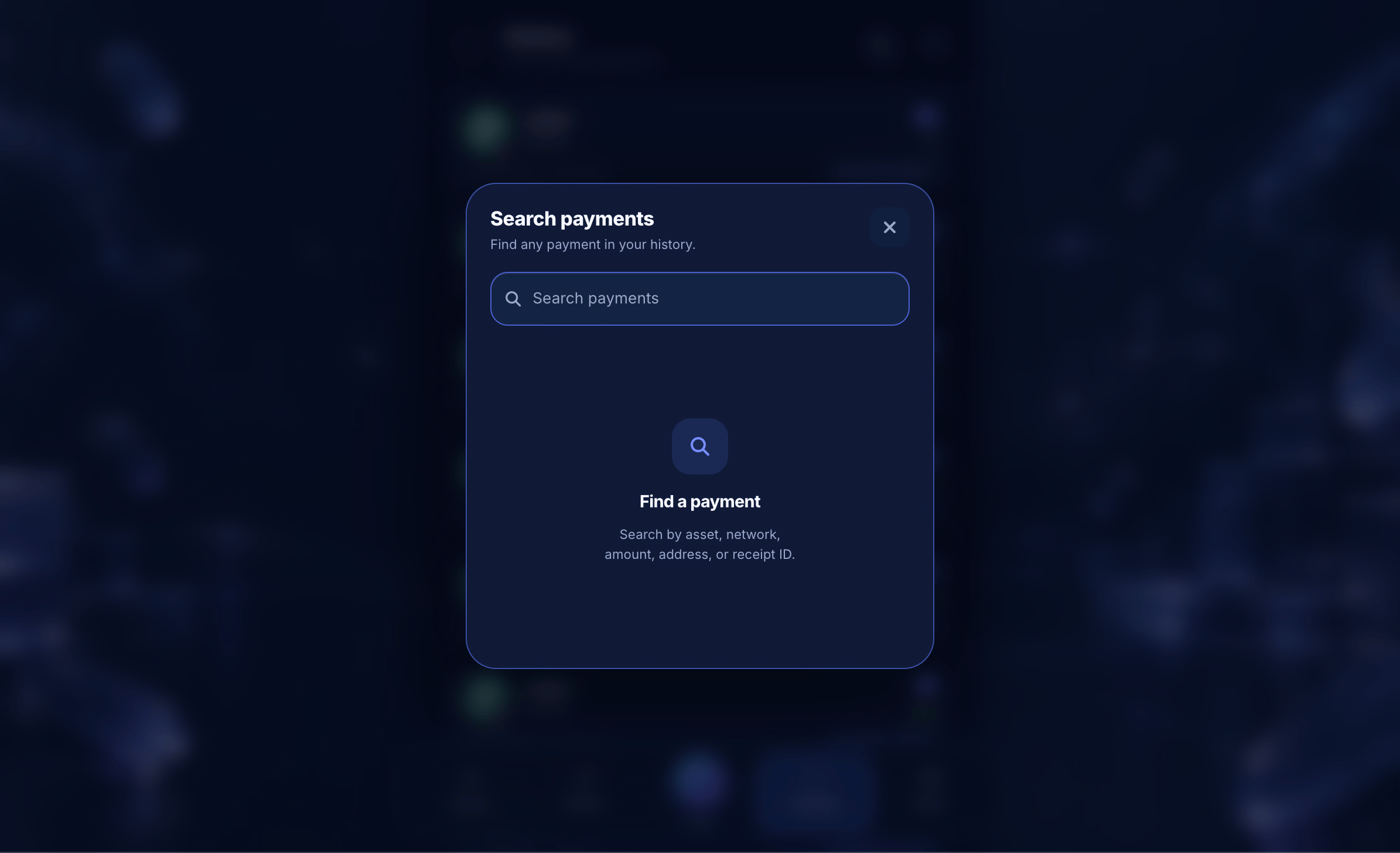
Select the search icon to open a focused search view. You can search using:
  • stablecoin;
  • network;
  • amount;
  • payer or recipient address;
  • receipt ID.
History displays the number of matching payments and searches older activity when the currently loaded results do not contain a match.
UniFi payment-history search panel and its supported search fields

Search accepts payment details or a receipt reference.
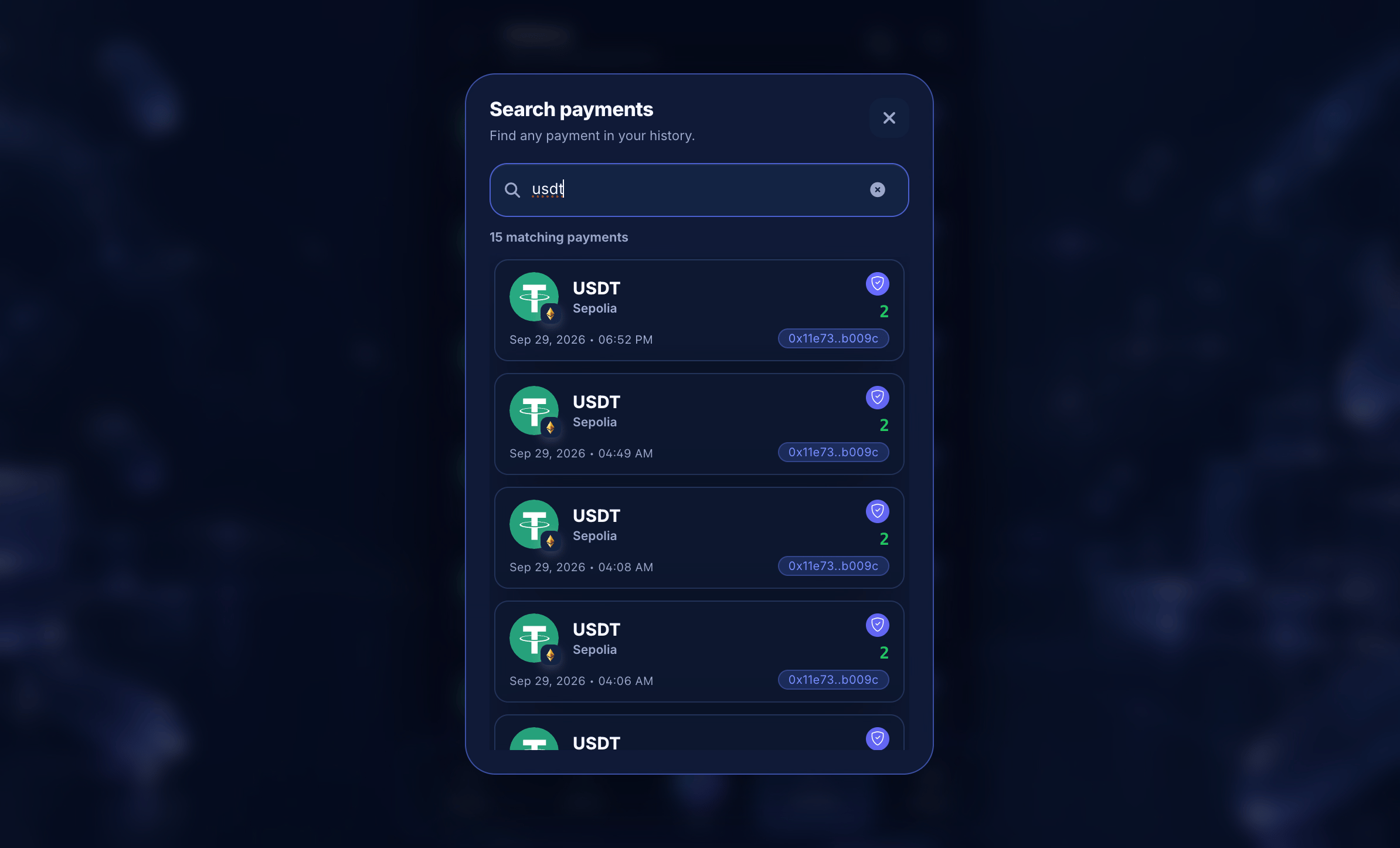
UniFi payment-history search results for USDT

Matching payments update as the search term changes.

Receipt IDs are the most precise search input when support or another user shares a specific payment reference.

Filter

The filter panel provides independent Asset and Network choices:
  1. Choose a stablecoin, a network, or both.
  2. Select Show payments to apply the selection.
  3. Use the active-filter summary or Clear to remove the selection.
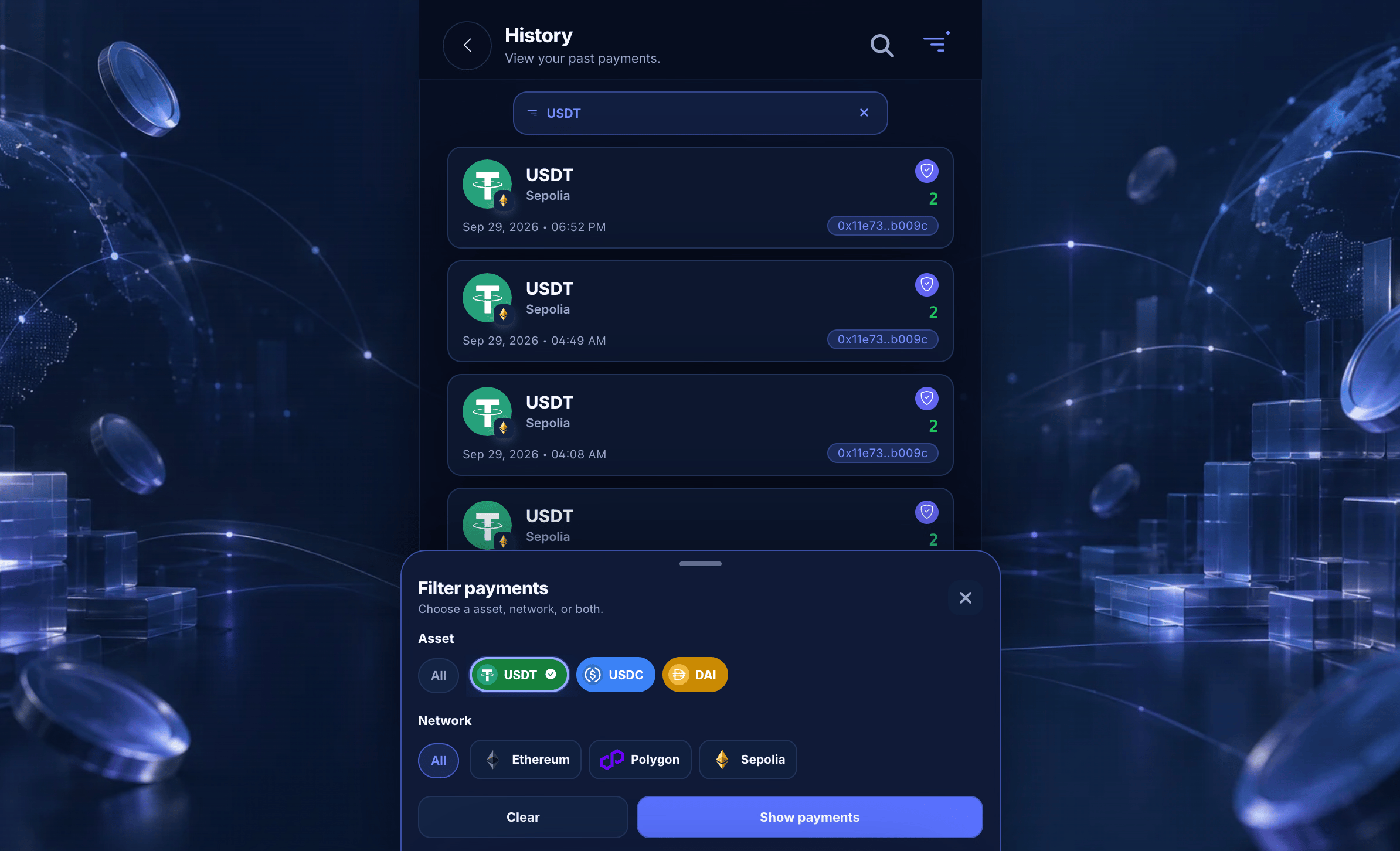
Leaving a category set to All keeps that part of the history unrestricted.
UniFi history filtered to USDT payments

Filter by one stablecoin across its available networks.
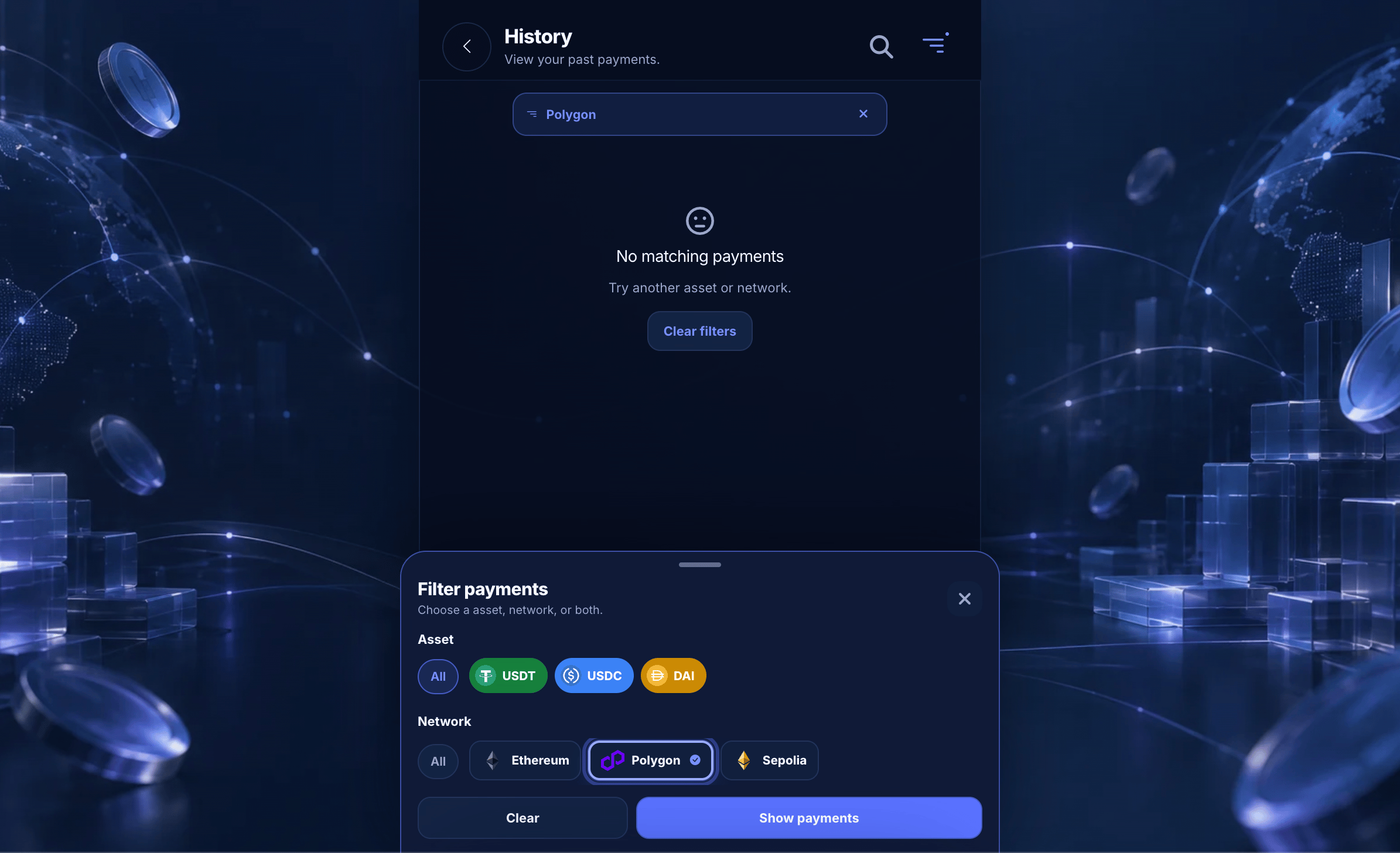
UniFi history filter with Polygon selected

Filter by one network across its available stablecoins.
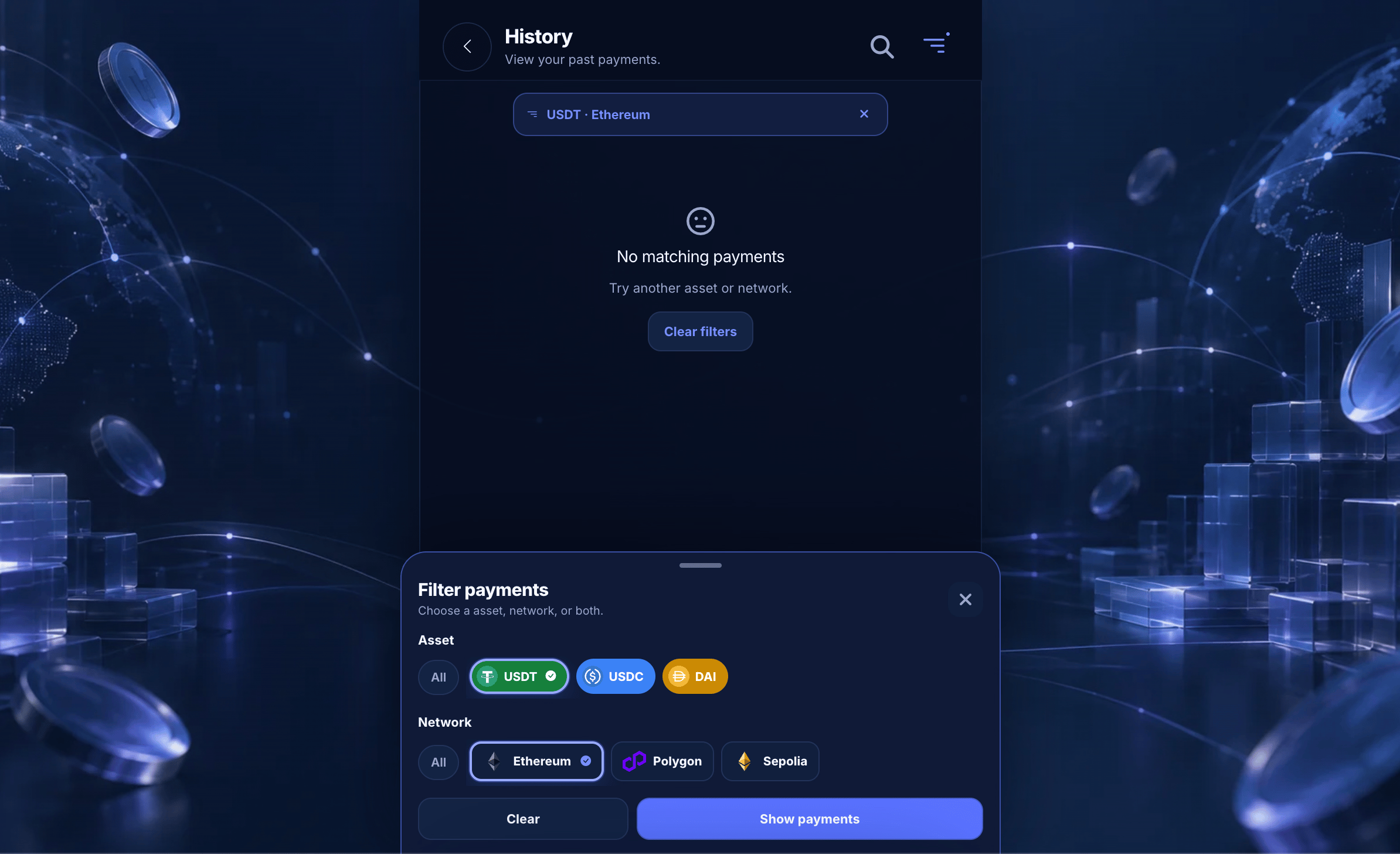
UniFi history filtered by USDT and Ethereum with no matching payments

Combine an asset and network for the narrowest result set.

If a filter combination has no results, the page shows No matching payments and provides a Clear filters action so you can return to the full history.

Receipt cards

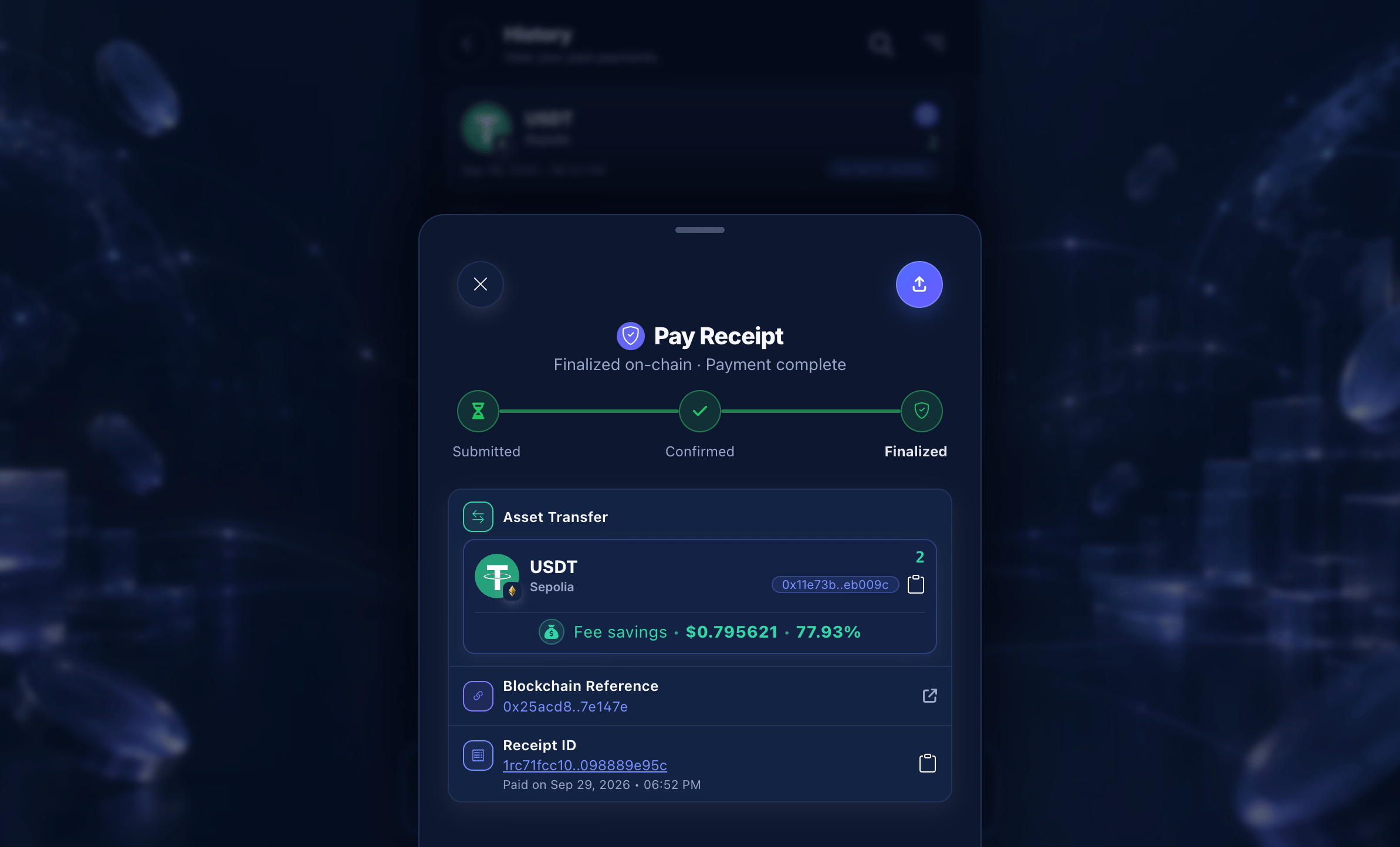
Selecting a payment card opens its receipt without losing your place in History. The receipt shows:
  • the Submitted, Confirmed, and Finalized progression;
  • the transferred asset, network, amount, and account address;
  • fee savings when available;
  • the blockchain reference and receipt ID;
  • the payment date and share action.
Finalized UniFi payment receipt opened from payment history

Open a payment to inspect its finality and blockchain references.

Understand receipt details

Learn how status, blockchain references, fee information, and receipt sharing work.

Empty state

An account with no payment activity sees No Payments Yet! with a Pay action. This is different from a filtered empty state, which preserves the selected filters and offers Clear filters.