

/app. It introduces the payment wallet and keeps the most common
actions above the network and stablecoin selectors.
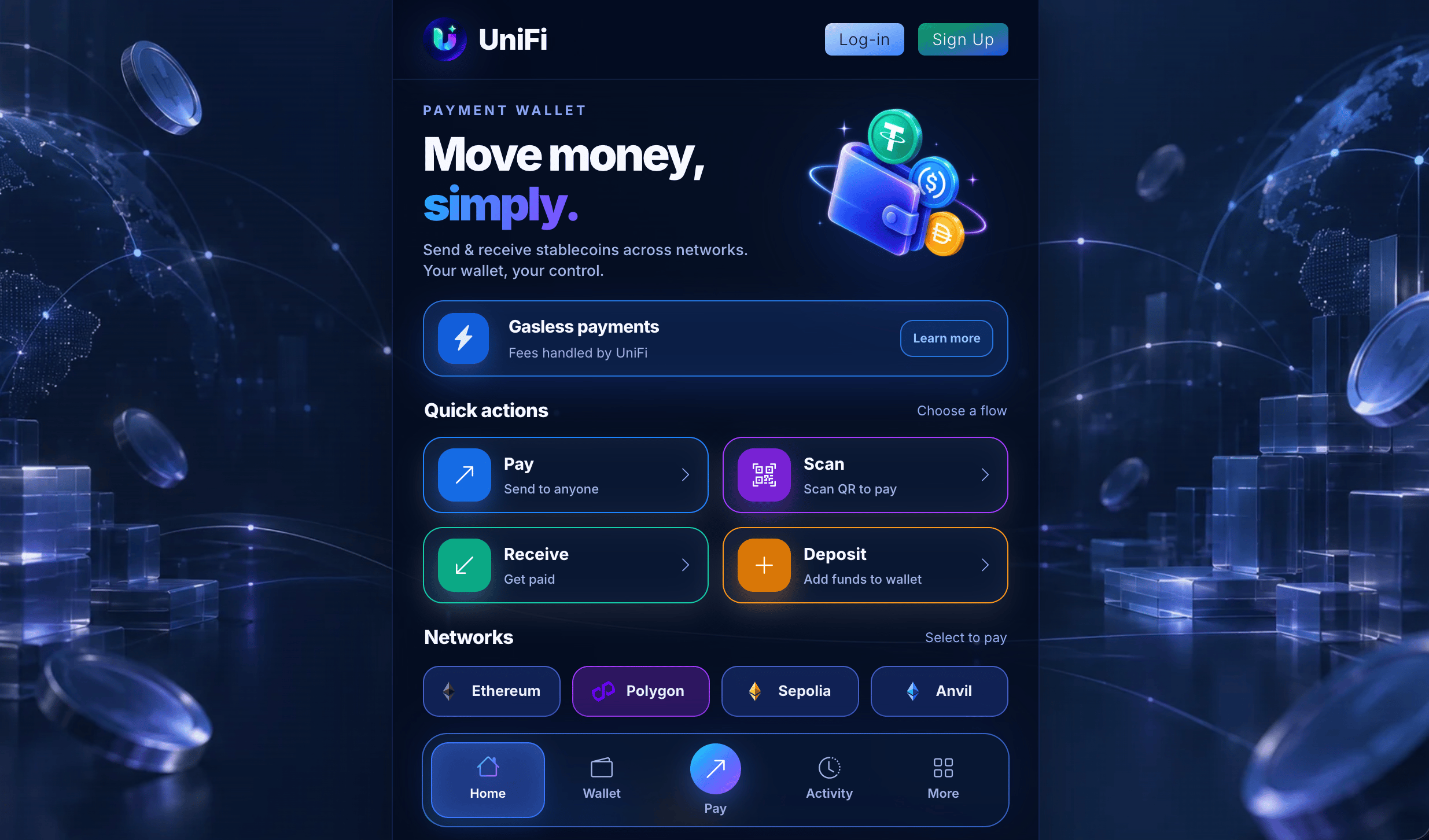
The signed-out UniFi home page and its primary actions.
Quick actions
Protected actions require authentication. If you open one while signed out—such as a payment
link—UniFi asks you to sign in with email or connect a wallet, then returns you to the requested
page after authentication.
Asset-Network selection
The Networks row starts from a network and asks for a stablecoin. The Stablecoins row starts from an asset and asks for a network. Both paths end at the same typed route, so the following screen receives an explicit(coin, chain) pair.
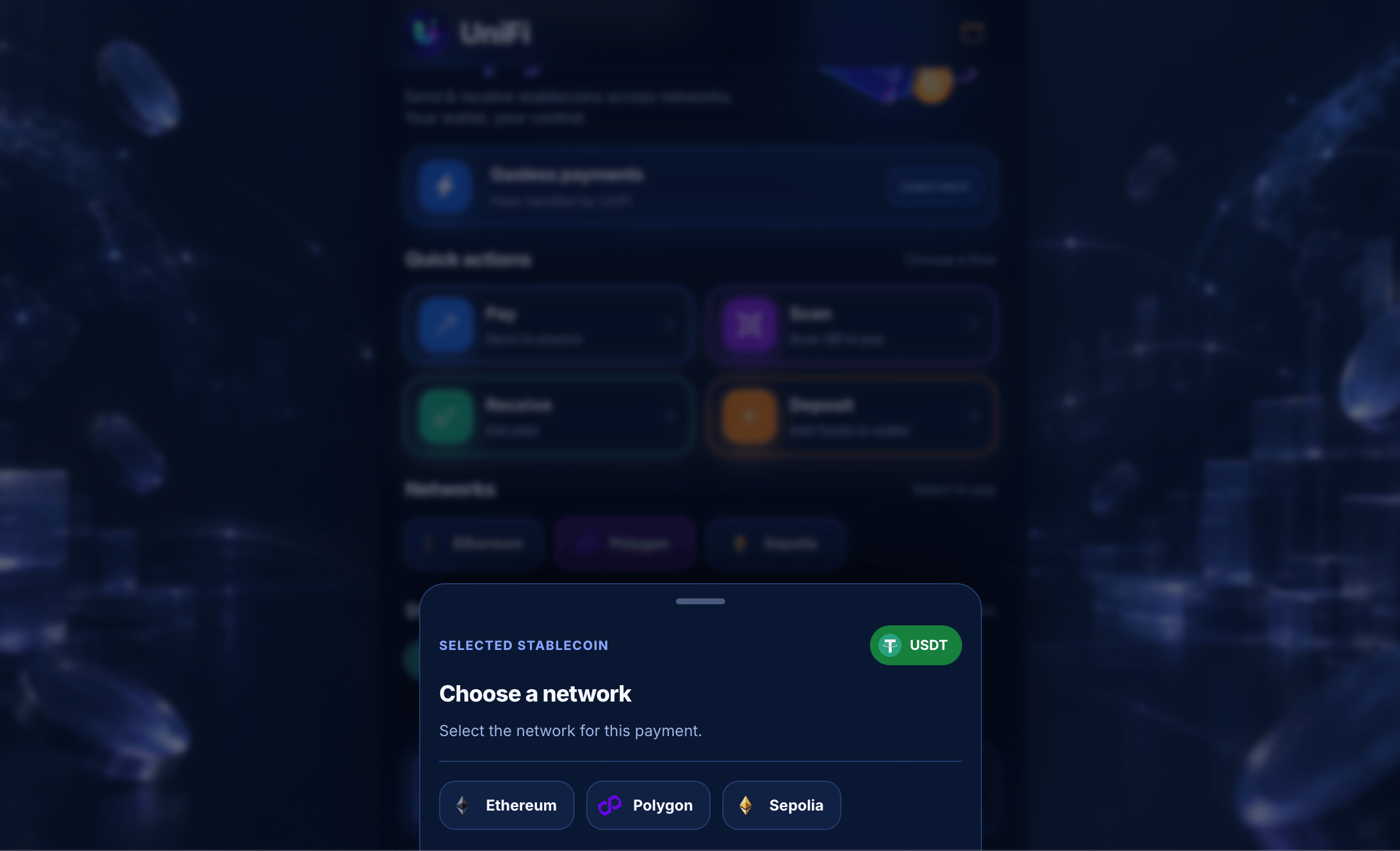
After selecting a stablecoin, choose its network.
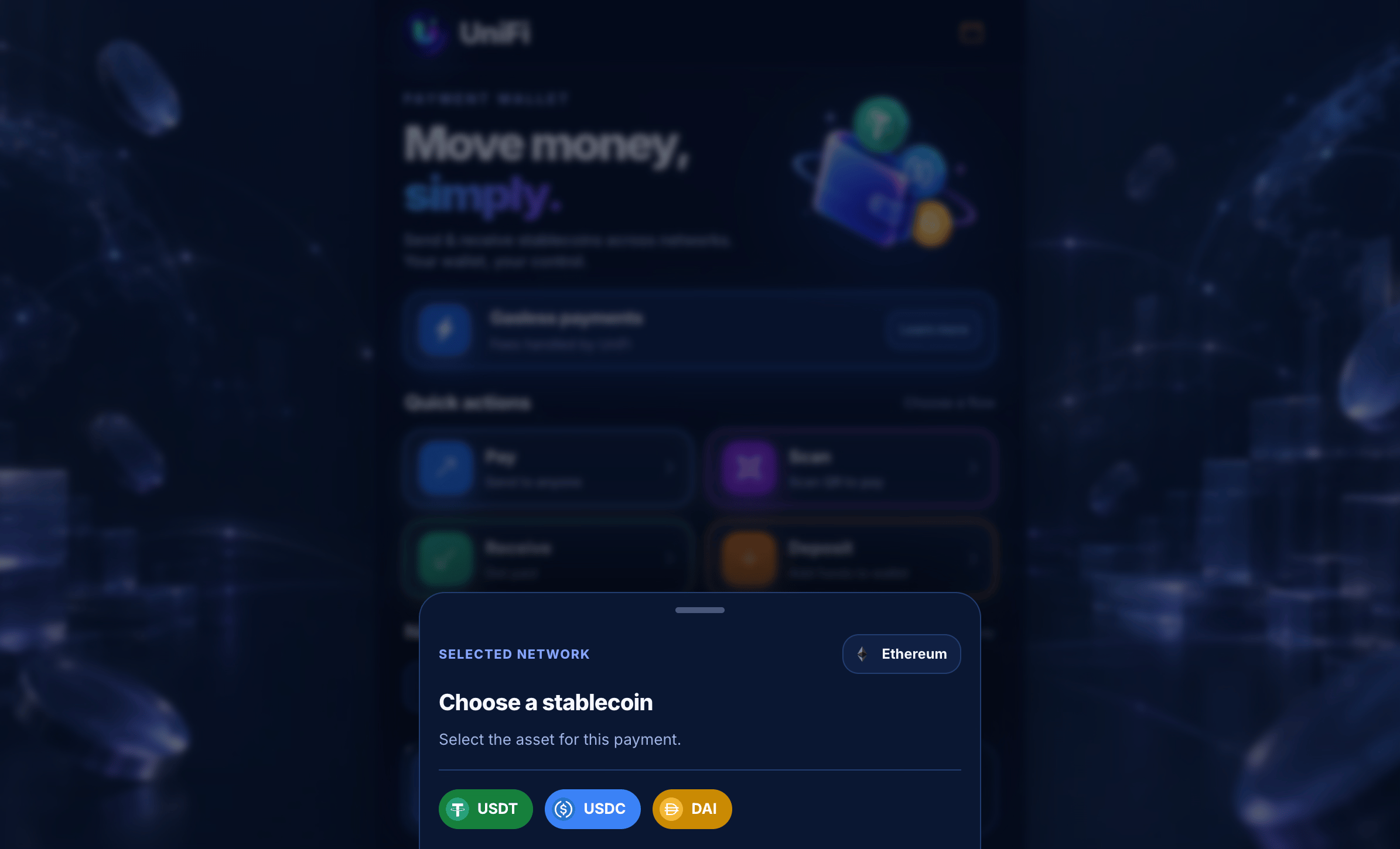
After selecting a network, choose its stablecoin.
Only networks available to the current account and product configuration
appear in the picker.
Navigate the app
The persistent navigation keeps the primary destinations within reach:- Home returns to the overview and quick actions.
- Wallet opens balances and funding tools.
- Pay starts the send or receive flow.
- Activity opens payment history.
- More groups additional wallet, payment, history, and API tools.
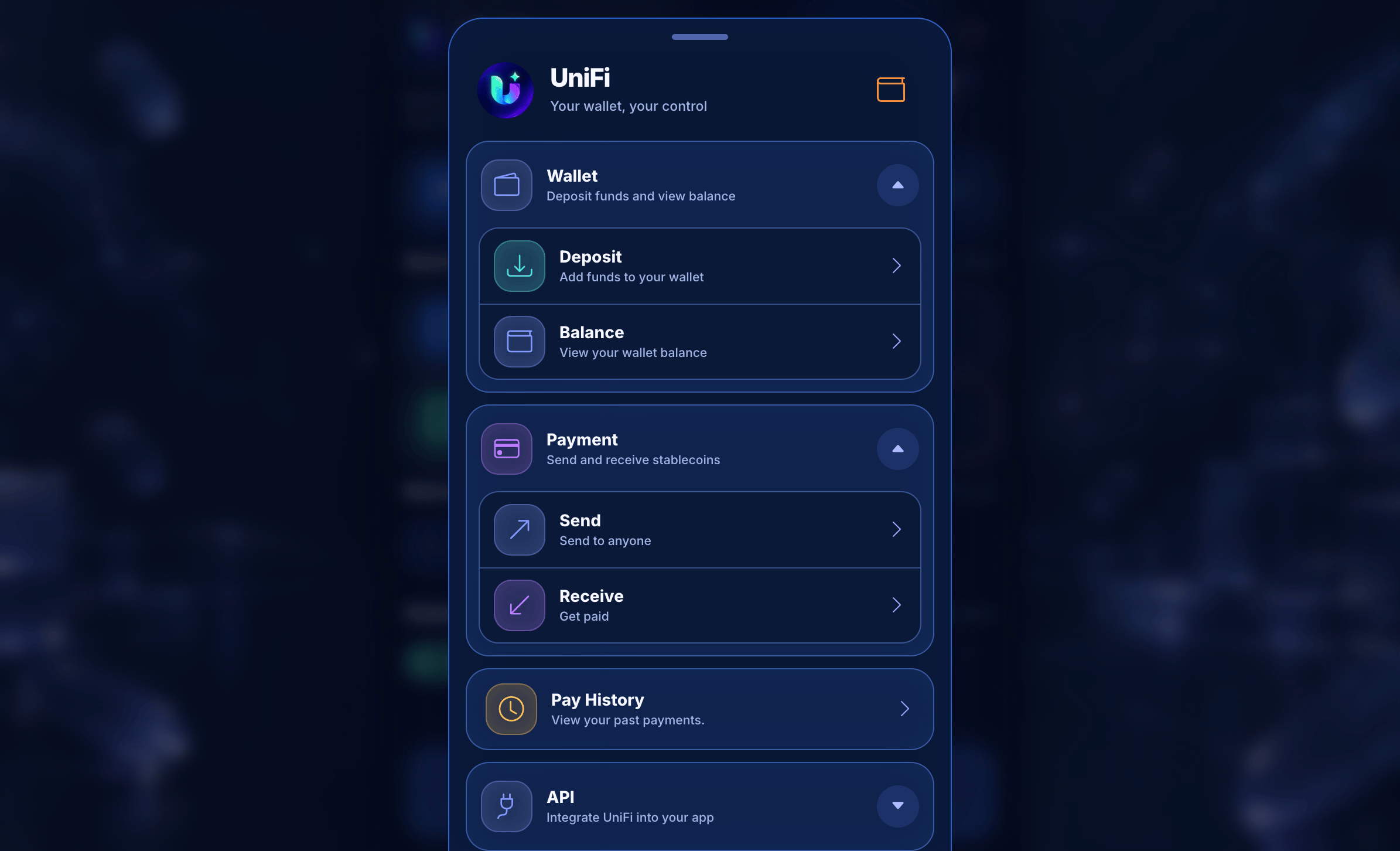
The More menu groups wallet, payment, history, and API tools.