

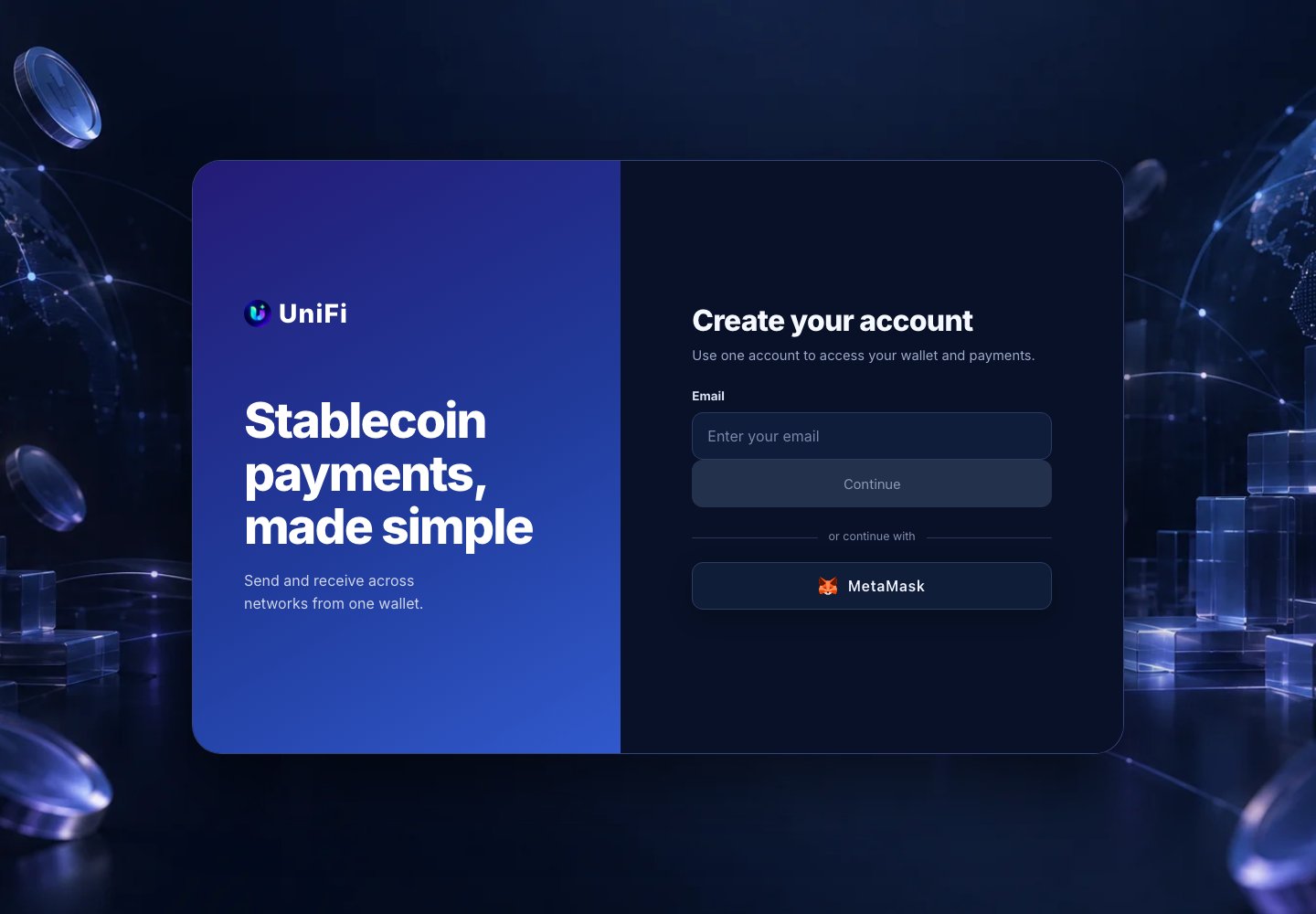
Choose an email account or MetaMask to continue.
Email account flow
For a new email account, the implementation proceeds through:1
Verify the email
Enter a valid email address and submit the six-digit OTP sent by the
configured email service.
2
Set a password
The password is hashed client-side with the account identifier before
the login request.
3
Enable authenticator 2FA
Scan the generated TOTP QR and confirm a current six-digit code.
4
Open the requested page
The web session is stored in the
unifi_user_id and unifi_jwt cookies
and the original route is resumed.MetaMask flow
MetaMask is offered in desktop web and PWA layouts above 699px. Mobile layouts and native apps offer email or Unio for sign-in and wallet switching. The wallet flow requests a server-issued challenge, signs it in MetaMask, and exchanges the signature for a web JWT. The server checks that the challenge address, origin, chain context, nonce, and expiry match before issuing the session. The challenge endpoints do not require an existing bearer credential.1
Request a challenge
POST the expected domain, URI, and chain ID for the wallet address. The
server returns a short-lived message, nonce, and expiry.
2
Sign the exact message
Ask the wallet to sign the returned message without altering whitespace
or fields.
3
Exchange it for a JWT
POST the message, signature, nonce, and platform. The challenge is
single-use.
4
Send the JWT
Use the returned JWT as the bearer credential for protected user routes.
Email-based and AWS KMS integrations authenticate through their managed
UniFi flow. The signed challenge described here is specifically for
self-custodial wallets.