

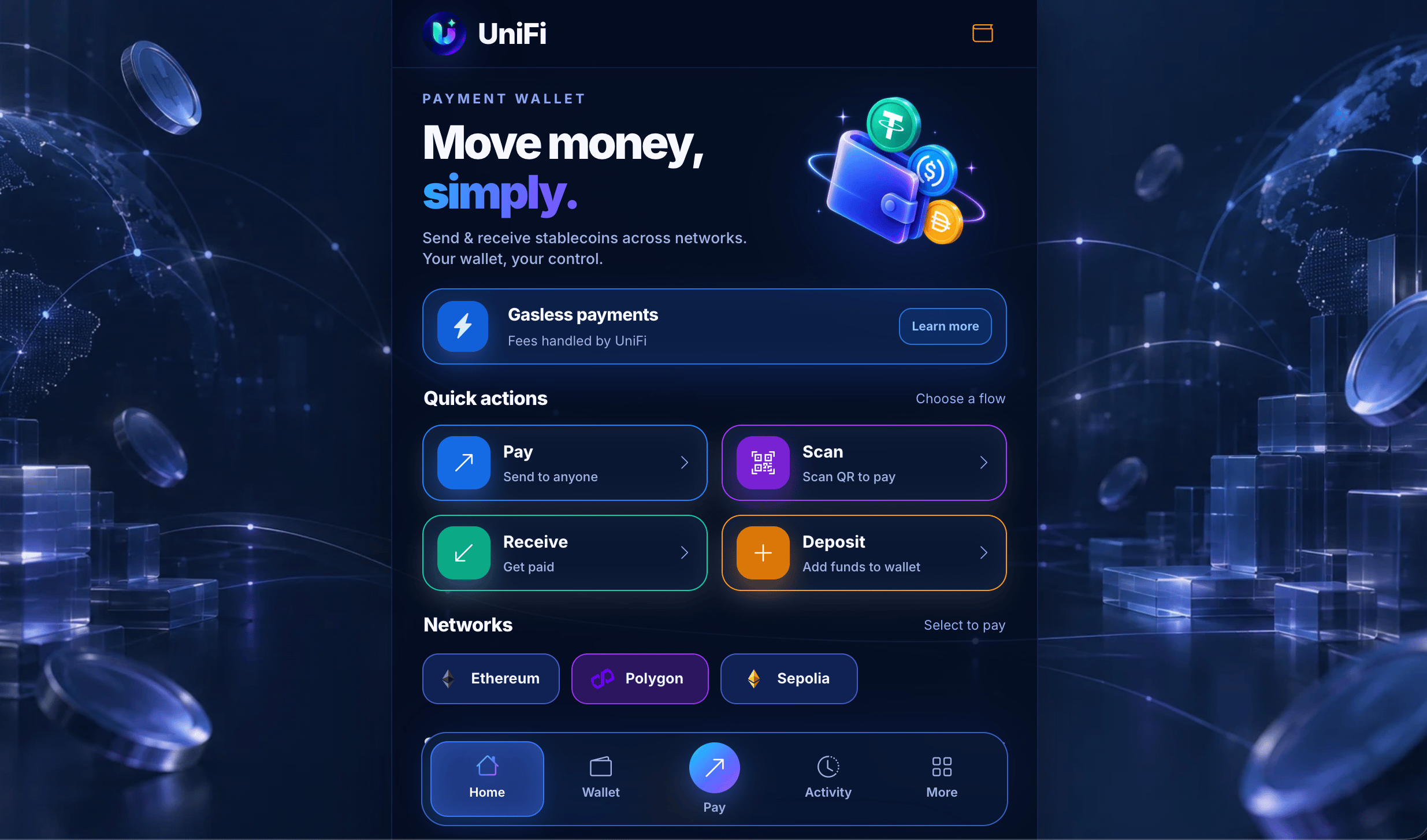
The UniFi home page with its primary payment actions.
Main journeys
Fund and inspect a wallet
Choose a stablecoin and network, copy the wallet address, verify the token contract, and then
inspect balances by asset and network.
Send a payment
Enter a recipient and amount, review fees, authorize the payment, and follow its receipt.
Request a payment
Create a FliQR link and QR code for a specific stablecoin, network, recipient, and amount.
Track activity
Filter or search payment history, open receipt details, and share a receipt.
Account models
The protected routes redirect to Auth when the user has no valid session. Public routes include the
home screen and the API-plan catalog.
Supported choices in the current UI
- Stablecoins: USDT, USDC, and DAI.
- Networks: Ethereum, Polygon, and Sepolia.
Network availability can vary by account and product configuration. Start from the choices shown
in the app so the payment and deposit flows remain on a supported pair.